Building a budget gaming setup: where the money matters most
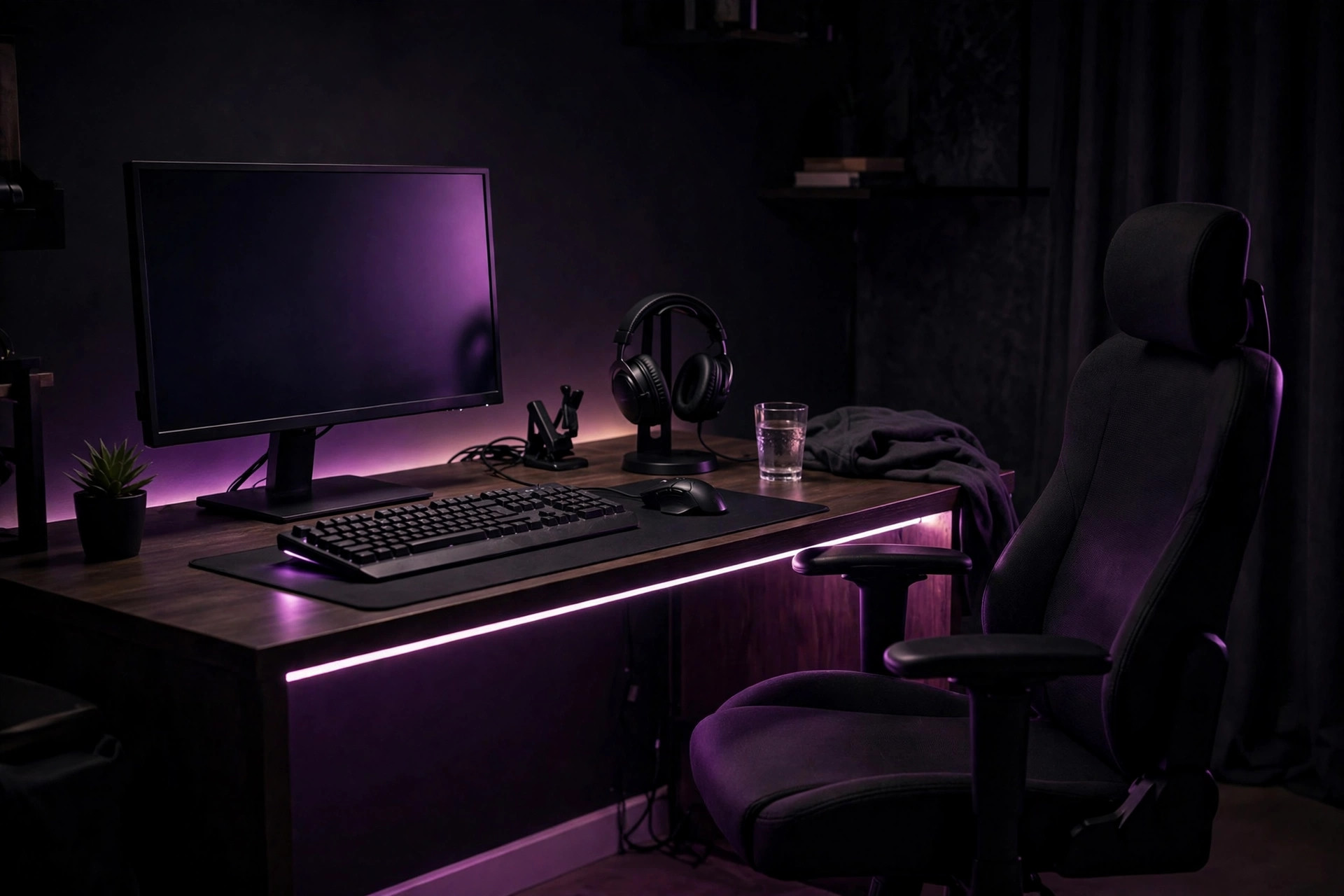
Starting from scratch — or upgrading a hand-me-down desk — the question isn't just what to buy, it's in what order. Get the sequence wrong and you'll own a great keyboard attached to a setup that still feels bad. Get it right and every purchase makes everything better. Here's the priority order we'd follow with a limited budget.
The golden rule: fix the biggest bottleneck first
Every setup has one thing holding everything else back — the weakest link that caps your whole experience. Money spent anywhere else is money spent on something you can't fully enjoy yet. Before buying anything, honestly identify your bottleneck: is it the display you stare at, the mouse that misbehaves, the headset that hurts, or the chair you sit in for hours? Upgrade that first. This single principle will save you more money than any deal-hunting.
Priority 1: the display
If you're still gaming on an old office monitor or a TV across the room, the display is almost always the highest-impact upgrade. It's the thing you look at for every second of every session, and moving to a proper gaming display changes how every game feels — not just one genre. It's also the longest-lived purchase you'll make; a good monitor serves through multiple computer upgrades. When the budget only stretches to one big purchase, this is usually it.
Priority 2: the mouse
The mouse is your direct connection to the game, and it's relatively affordable — which makes it the best value-per-dollar upgrade in the whole setup. A comfortable, reliable mouse improves every game you play, immediately, for a fraction of what a display costs. If your current mouse is a generic office freebie with inconsistent tracking, this upgrade pays off on day one.
Priority 3: comfort — headset and seating
This is where many beginners under-spend and then wonder why long sessions feel awful. A comfortable headset and a chair (or cushion setup) that doesn't wreck your back directly determine how long you can enjoy your games. These aren't glamorous purchases, but they're the difference between a setup you love and one you tolerate. Prioritize them over anything cosmetic, every time.
Priority 4: the keyboard
A good keyboard is a genuine quality-of-life upgrade — but it's lower priority because even a basic keyboard works fine while you fix bigger problems. Upgrade the keyboard once the display, mouse, and comfort basics are sorted. Your fingers will notice the difference most when everything else is already good.
Priority 5: everything else
Lighting strips, fancy mouse pads, cable management kits, display arms, stream decks — all nice, none essential. This category is for when the fundamentals are done and you have spare budget. A big mouse pad is the one exception worth considering early: it's cheap and genuinely improves mouse feel.
The classic beginner traps
- Buying everything at once, cheap. Five mediocre peripherals cost the same as two or three good ones — and the good ones last years longer. Buy in priority order instead.
- Paying for looks before function. RGB everything feels like progress, but a glowing setup with a bad mouse is still a bad setup. Function first, lighting last.
- Ignoring the used market. Peripherals — especially monitors, keyboards, and headsets — are durable goods. Sensible second-hand buys from reputable sellers can stretch a budget dramatically. Test before committing, and check return policies.
- Upgrading what isn't broken. If your mouse is already comfortable and reliable, a shinier one won't make you better. Spend where the bottleneck is.
- Forgetting the room. A great setup in a glaring, noisy, uncomfortable room still feels bad. Sometimes the best "gear" purchase is a curtain, a lamp, or a door that closes.
A sane buying sequence
Step by step
- Identify your single biggest bottleneck — start there, nowhere else.
- Display first (if it's holding you back), then mouse — the two highest-impact upgrades.
- Fix comfort next: headset and seating before anything cosmetic.
- Keyboard once the fundamentals are solid.
- Accessories and aesthetics last, with leftover budget only.
- Between purchases, actually play — let each upgrade settle before deciding what's next.
Our take: The best budget setup isn't the one with the most gear — it's the one with no weak link screaming for attention. Display, mouse, comfort, keyboard, then everything else; buy in that order, skip the light show until the fundamentals are done, and you'll end up with a setup that feels far more expensive than it was.