What to look for in a budget gaming mouse
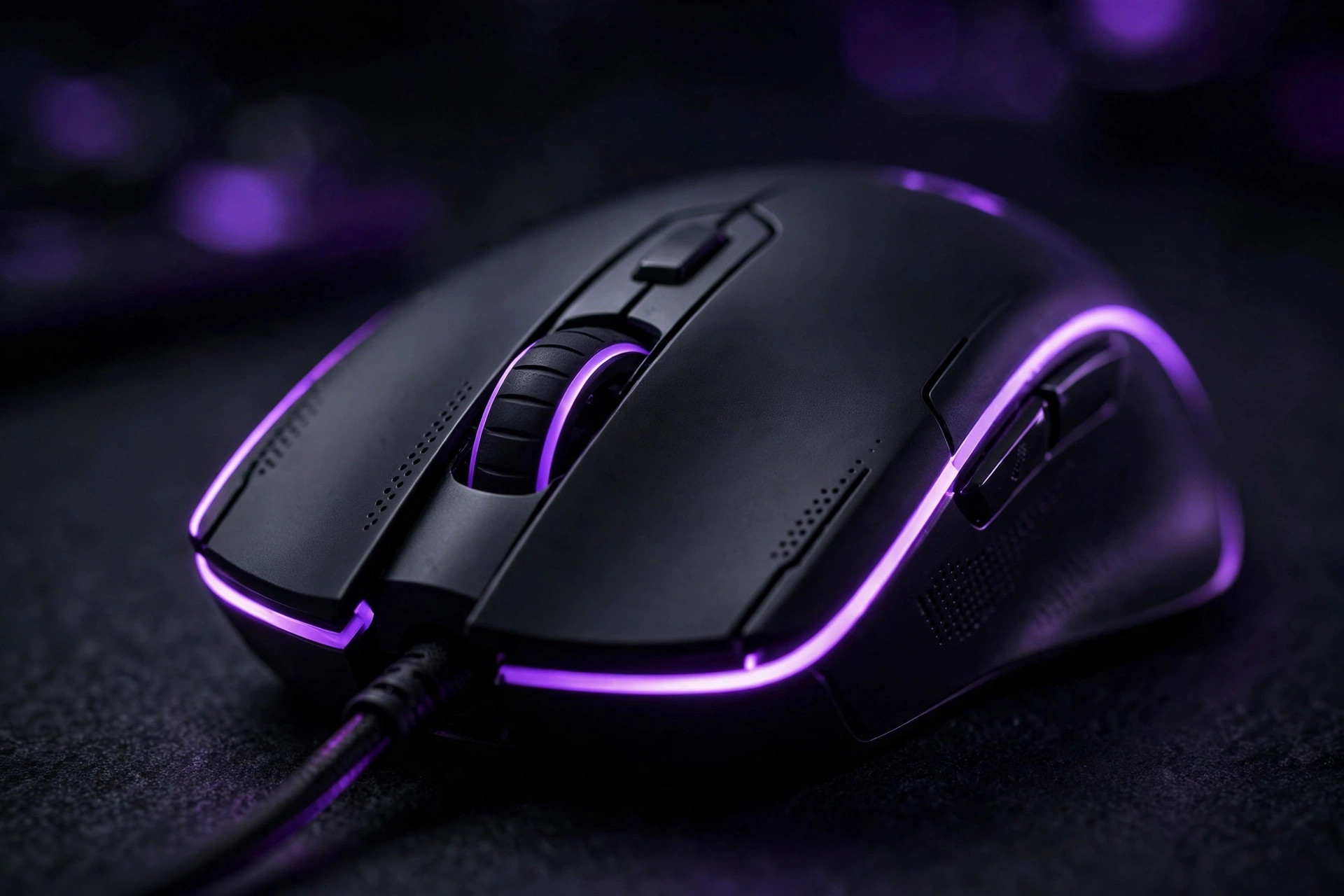
The mouse is the one peripheral where your hand meets the game, and it's the upgrade most players feel immediately. The good news: the budget segment is genuinely excellent now. The bad news: the marketing is engineered to confuse you. Here's what actually matters.
Shape and comfort beat everything
This is the unglamorous truth the spec sheets hide: the best sensor in the world won't help if the mouse cramps your hand after an hour. Mice come in different shapes and sizes suited to different grips — palm grip (whole hand resting on the mouse), claw grip (arched fingers), and fingertip grip (only fingertips touching). There's no "best" grip, only the one that's comfortable for you. If possible, hold candidates in a store before buying. A comfortable shape you can use for hours is worth more than any feature on the box. Also consider weight: lighter mice are easier to flick around quickly, heavier ones feel more controlled and stable. Neither is objectively better — it's preference.
Sensor basics, without the jargon
The sensor is the eye underneath the mouse that tracks movement. Modern budget sensors are remarkably good — the gap between affordable and premium sensors has shrunk dramatically, and for the vast majority of players a competent budget sensor tracks flawlessly in real gameplay. Two terms you'll see everywhere:
- DPI (sensitivity). Higher DPI means the cursor moves farther per inch of mouse movement. Sky-high maximum DPI numbers are mostly marketing — most players use a modest sensitivity, and accuracy comes from consistency, not from the biggest number. What matters is that the sensor tracks reliably at your sensitivity.
- Polling rate. How often the mouse reports its position to the computer. Higher is technically more responsive, but the practical difference is subtle for most players. It's a nice-to-have, not a reason to pay more.
Bottom line: don't buy a mouse for its sensor numbers. Buy it for its shape, then confirm the sensor is modern and well-reviewed.
Buttons and build: the daily-use stuff
The main clicks should feel crisp and consistent, not mushy or rattly. Side buttons are genuinely useful — for push-to-talk, abilities, or browser navigation — but they should be positioned where your thumb finds them naturally without stretching. The scroll wheel should step cleanly rather than feeling loose. None of this shows up on a spec sheet; it only shows up in reviews that describe actually using the thing, and in your own hand.
Wired vs. wireless on a budget
Wired mice are simpler, lighter, and cheaper — no battery, no charging, no connection to manage. Wireless adds freedom of movement and a cleaner desk, at the cost of higher price, extra weight from the battery, and one more thing to charge. In the budget segment, wireless quality varies more: a cheap wireless mouse can have noticeably worse latency or connection hiccups than a cheap wired one. If you're buying at the low end, wired is the safer bet for consistent performance; wireless is worth it once you're spending enough to get a proven, well-reviewed implementation.
Marketing to ignore
- Astronomical DPI numbers. You will never use them. They're a bigger-number contest, not a feature.
- "Esports-grade" labels. Unregulated marketing words. Plenty of affordable mice perform excellently without the badge.
- RGB lighting as a selling point. Fine if you like the look, but it adds nothing to performance — don't pay a premium for it.
- Exotic materials and coatings. Comfort and grip matter, but most coatings wear down with use anyway.
Mouse shopping checklist
- Does the shape suit your grip style and hand size? (Try it in person if you can.)
- Is the weight in a range that feels right for how you play?
- Do reviewers describe the clicks and scroll wheel as crisp, not mushy?
- Are the side buttons reachable without stretching your thumb?
- If wireless: do reviews confirm a stable connection with no noticeable lag?
- Are you paying for shape and build — not for a DPI number you'll never use?
Our take: Shop for a mouse like you'd shop for shoes: fit first, everything else second. Find a comfortable shape from a reputable maker, confirm the sensor is modern, go wired if the budget is tight — and ignore every number on the box except the ones describing the shape. Your aim will thank you.